
Milki Delivery Fast Forward Feature: How Speed Controls Work
Quick answer
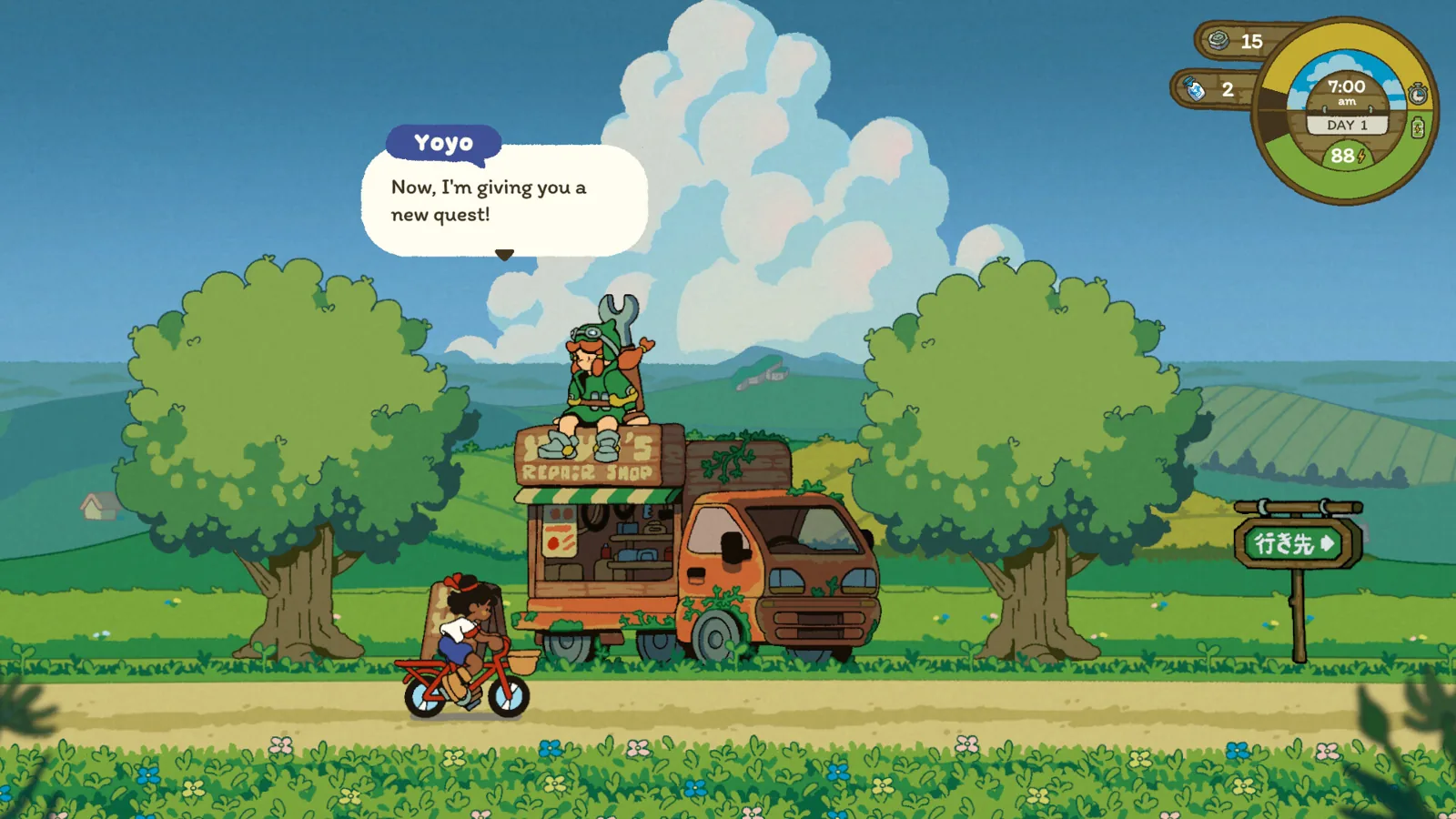
The Milki Delivery fast forward feature is a set of speed buttons that appears while your bike is travelling between places. They speed up a ride you have already started; they do not replace choosing a destination on the map.
| What the speed buttons do | Speed up a bike ride already in progress on the roadMilki Delivery on Steam |
|---|---|
| How players find them | A tutorial dialogue appears if you do not use them after a few daysMilki Delivery on Steam |
| Demo version with the tutorial | Demo v1.0.2 (2026-06-09); moved to day 2 in v1.0.4 (2026-06-15)Milki Delivery on Steam |
| Bike control | The bike moves automatically; the game has no arcade cycling controlsMilki Delivery on Steam |
The Milki Delivery fast forward feature is the speed buttons shown during travel; a demo update reveals them with a tutorial and fast-forwards the ride.

Table of Contents
The Milki Delivery fast forward feature is a set of speed buttons that appears while your bike is travelling between places. They speed up a ride you have already started; they do not replace choosing a destination on the map.
Developer notes on the official Steam page confirm the flow: the bike moves automatically, and when you pick a destination the game rides there for you. The speed buttons change how that ride plays out, not where you end up.
What the speed buttons do
The same Steam page says the game has no arcade cycling gameplay with direct bicycle controls, so you cannot hold a key to pedal faster yourself. Speeding up means using the travel controls the game puts on screen once Neha is on the road.
Open the map and choose a destination
Pick where you want to go. The bike starts moving on its own; you are not steering.Look for the speed buttons during travel
They only matter while a trip is in progress. The developer's demo patch notes describe them as speed buttons for travel, not a menu setting.Press them to fast-forward the ride
The bike continues to the same destination; the animation and travel moment pass more quickly.Watch the result
You arrive at the chosen stop with the same time of day and the same delivery or quest ready to continue.
The demo update from 2026-06-09 goes further: it made the bike slightly faster during travel while keeping travel time the same, and added a tutorial dialogue that shows the speed buttons if you have not used them after a few days. A later demo patch moved that tutorial to day 2. Players in the demo have also mentioned noticing the fast-forward option mid-ride, which fits a control that appears during travel rather than in the main menu.
Next steps
If a route is hard to cross rather than slow, the dirt tires upgrade is the bike improvement the developer points to for dirt roads. For trips that end with a wandering animal, see the rope for wandering sheep page.
FAQ
Is the Milki Delivery fast forward feature the same as choosing a destination?
No. The destination choice starts the ride; the speed buttons change how quickly that ride plays.
Why have I never seen the speed buttons?
The developer's notes say a tutorial dialogue appears only if you have not used them after a few days. Keep playing and watch for it during travel.
Can the speed buttons make my deliveries arrive earlier in game time?
The demo notes state travel time stays the same even when the bike moves faster, so expect the animation to speed up, not the clock to jump.
This page is based on the developer's release notes on the official Steam page and a first-hand demo playthrough video from Steam Next Fest 2026. The material gives the buttons' role and the tutorial change, but not their exact on-screen labels or the precise multiplier, so those details remain unconfirmed here.
Related guides for this game
Guide Guides Index
Milki Delivery forest bridge: how to finish the demo
The Milki Delivery forest bridge needs no repair steps: reach the end of Nodoka Fields in the demo, cross into the forest and watch the ending play out.
Milki Delivery sheep rope trade task: how to finish it
Milki Delivery sheep rope trade task explained: find a rope on the road, hand it to the farmer and collect apples in the demo build.
Milki Delivery beginner guide: milk and barn upgrades
A Milki Delivery beginner guide to the daily loop: deliver milk, feed Milki, gather wood and scraps, and spend them at the workbench to upgrade bike and barn.
Milki Delivery Bus Line History: Why It Was Scrapped
The Milki Delivery bus line history explains why Doko Fields lost its route: Grandma Yuma says the region stopped being attractive, so the old line was cut.
Compatibility Guides Index
Milki Delivery Steam Deck: Runs Well, Controls Work
Milki Delivery Steam Deck support is confirmed: Valve rates it Playable and the developer says it plays fully with the trackpad, touchscreen or a pad.
Community Guides Index
Milki Delivery discord: How to Join the Devs’ Server
How to find the Milki Delivery discord: the developers list Discord as a bug and feedback channel, and joining it means an invite link they share themselves.