
Milki Delivery Controller Support: Gamepad Play Guide
Quick answer
Yes you can play Milki Delivery with a controller, but the mouse comes first. In a Steam announcement dated November 10, 2026, the developer wrote that the game is designed to be played with a mouse yet can be played somewhat comfortably with a gamepad, and listed the stick and face-button mapping.
| Controller supported? | Yes, somewhat comfortably per the developerSteam Community: Milki Delivery announcements |
|---|---|
| Default input | Mouse and cursorMilki Delivery on Steam |
| Steam Deck | Playable, with trackpad or touchscreenMilki Delivery store page |
Milki Delivery controller support works: the developer says you can play with a gamepad, steering a cursor with the stick and clicking with A.
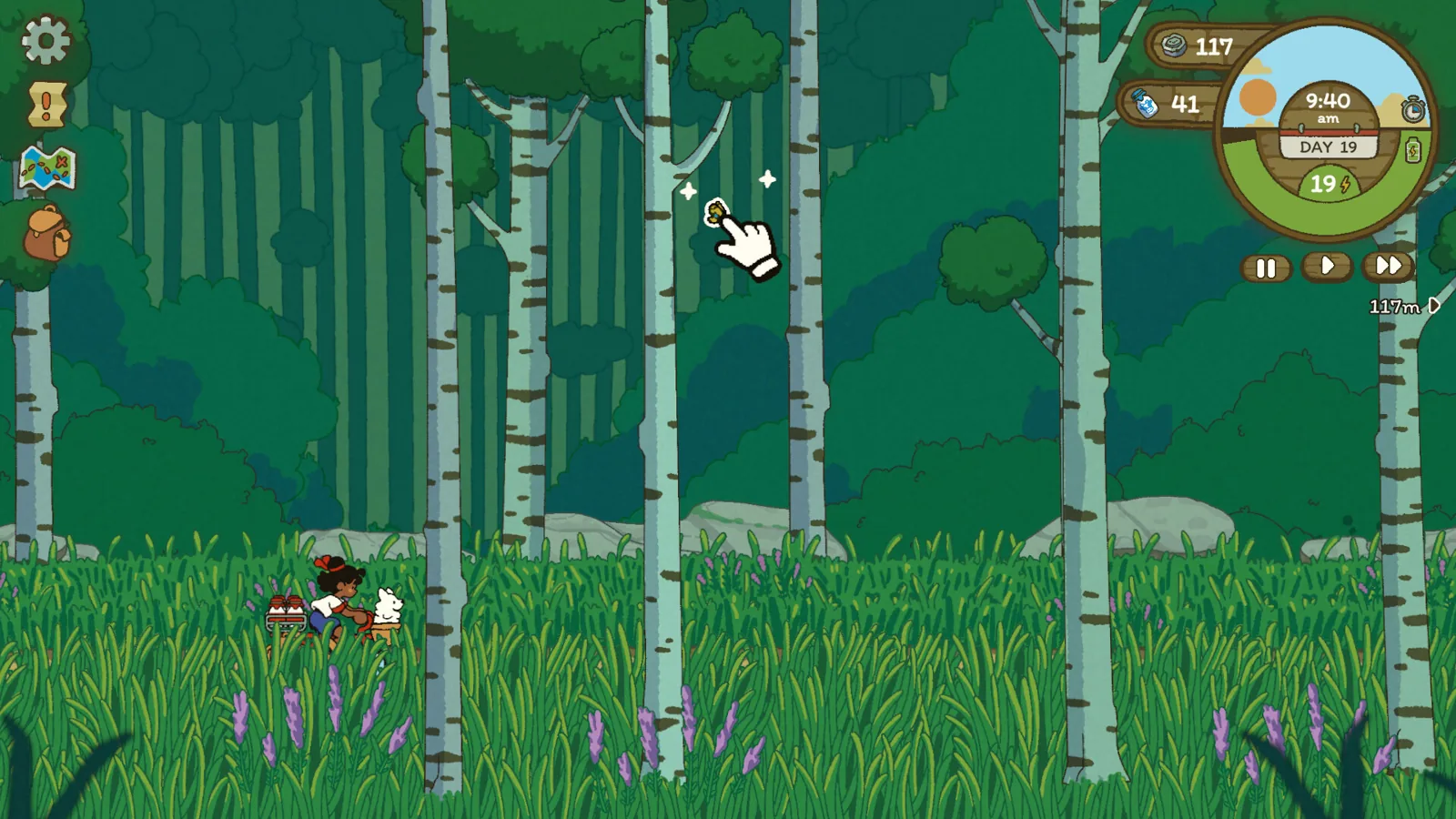
Table of Contents
Yes you can play Milki Delivery with a controller, but the mouse comes first. In a Steam announcement dated November 10, 2026, the developer wrote that the game is designed to be played with a mouse yet can be played somewhat comfortably with a gamepad, and listed the stick and face-button mapping. A mouse or trackpad stays the smoother option, especially on Steam Deck.
What the developer says about gamepads
The full game launches on November 17, 2026, and the same announcement covers both the gamepad question and the Steam Deck question in one answer. The wording is careful: "somewhat comfortably" is the developer's own phrase, not a claim of full parity with the mouse. The Steam store page describes the experience as fully mouse-driven, with clicking used to move Neha and interact with the world, and its accessibility list includes a Mouse Only Option. That matches the design intent, so the gamepad route works but is the secondary way to play.
The button mapping
The mapping below comes straight from that announcement:
| Action | Gamepad input |
|---|---|
| Move the cursor | Left or right stick |
| Click / interact | A |
| Cancel or close menus | B |
| Open the inventory | X |
| Open the quest log | Y |
Because the bike moves on its own and you point at destinations and objects, the controller is really a cursor mover. Expect slower menu navigation than with a mouse. These mappings were confirmed for the version described on 2026-11-12; check the in-game settings after any update.
If you plan to play on Steam Deck
The developer says the game is fully playable on Steam Deck and that the trackpad or touchscreen can be used there. If the controller feels awkward, the trackpad is closer to the mouse-first design. More on that setup is in our Steam Deck compatibility notes. Remember that the demo leaves Steam on November 16, 2026, one day before launch. The web version of the demo stays up, but treat it as a preview, not proof of how the release build handles a pad.
Next steps
- Check the full platform list if you also want to know where the game runs, since controller play only matters on a platform you own.
- Read the system requirements before you plug in a pad on an older laptop.
- See the Mac page if you play outside Windows.
FAQ
Does Milki Delivery support a controller?
Yes. The developer's November 10, 2026 announcement says the game can be played somewhat comfortably with a gamepad, and gives the cursor and button layout. It is not the primary input method, though.
Can I play the whole game with a gamepad and never touch the mouse?
The developer describes gamepad play as somewhat comfortable and keeps a mouse-first design, so treat the pad as workable rather than ideal. As of 2026-11-12, the developer has not announced any action that requires a mouse.
Which buttons open the inventory and quest log?
X opens the inventory and Y opens the quest log, while A clicks and B cancels or closes menus. The stick moves the cursor.
Is controller support the same on Steam Deck?
The developer says the game is fully playable on Steam Deck and points to the trackpad or touchscreen as alternatives to the sticks. Steam also labels the game Playable on Deck.
Check note
The mapping and the "somewhat comfortably" wording come from the developer's Steam announcement on the Milki Delivery Steam Community hub, and the mouse-first features come from the official Steam store page. Both were checked on 2026-11-12, before release. How a specific third-party pad behaves in the release build is not confirmed.
Related guides for this game
Compatibility Guides Index

Milki Delivery languages: English only at launch on Steam
Milki Delivery languages: the Steam page and the developer both confirm the game ships in English only at launch, with more languages possible later.

Milki Delivery linux: Does It Run on Linux Before Buy?
Milki Delivery linux is confirmed on Linux: the official Steam page shows SteamOS + Linux support with Ubuntu 22.04 or 24.04 minimum as of 2026-11-12.

Milki Delivery mac: Mac Version and Required macOS
Yes, Milki Delivery has a Mac version: the official Steam page lists macOS Big Sur 11 or newer, 4 GB RAM and 300 MB of storage as the minimum.
Milki Delivery platforms: Windows, Mac and Linux on Steam
Milki Delivery platforms are Windows, Mac and Linux on Steam as of 2026-11-12; there is no console or mobile version, so check your store before buying.
Guide Guides Index
Milki Delivery beginner guide: milk and barn upgrades
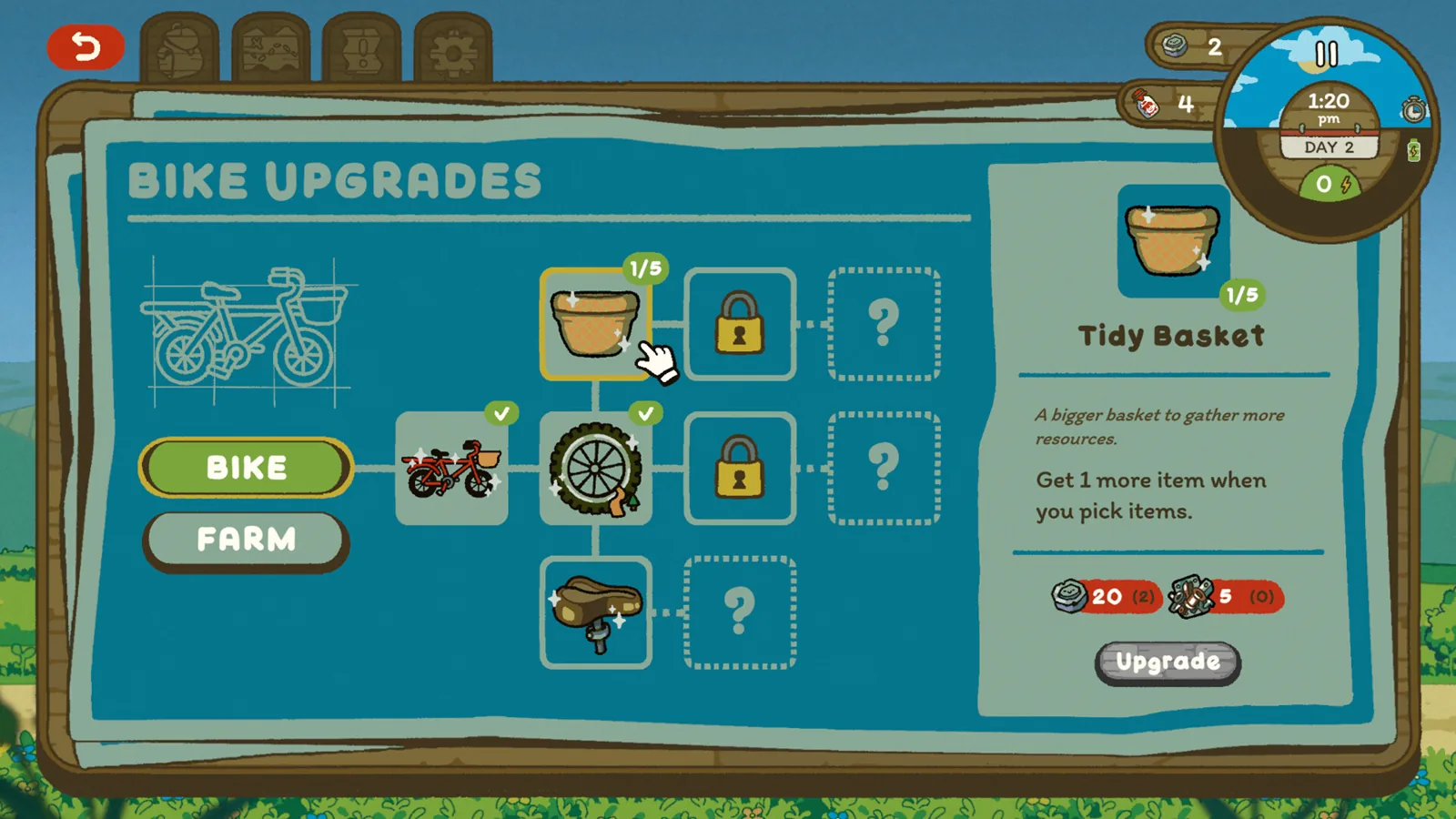
A Milki Delivery beginner guide to the daily loop: deliver milk, feed Milki, gather wood and scraps, and spend them at the workbench to upgrade bike and barn.
Milki Delivery Restock Vending Machine Guide for Yoyo
Learn how to restock vending machines in Milki Delivery for Yoyo's quest: spot the out-of-order machine, talk to Yoyo, then refill it while delivering milk.